Work
Build the task once. The right person does it, on time.
Your engineers build and publish the forms from the web, with no developer and no release. BaseShift schedules the work around your shifts and puts each job on the right phones.
Tasks › Ladle crane weekly inspection
1. Hoist rope free of kinks and broken wires
⚠ A failed item needs a photo and a severity rating before you can continue.
Add photoNo-code configuration
Your engineers build the forms. No developer, no release.
A new site, a new asset class, a new inspection: managers set it up and publish it from the web, the same day. Built-in rules keep it usable on a kiln platform at 03:00.
- 1A fixed toolbox.
Numbers with units, pass/fail, choices, photos, signatures, counters, dates and asset references. Each looks the same on the phone, the web and the audit pack.
- 2Follow-ups only when needed.
Ask for a photo only when a check fails, so a short form stays short.
- 3Rules built in.
Out-of-range readings always need a photo or reason, and typed answers can never be made required.
- 4Every change explained.
Publishing needs a one-line note of what changed and why.
- 5Preview, then publish.
See it on a phone before it goes live. Publishing makes a new version; records already captured keep theirs.
Assignment
Set up who does what once. The work runs itself.
People, roles and crews are set up on the web. BaseShift puts each job on the right phones.

Crews with a manager.
Every crew has a manager who can rename it, change who's in it, or hand it to another manager.
Person, role or crew.
Assign work to a named person, or to a role or crew where the first to claim it owns it.
Assign from the phone.
Supervisors can hand out work from their phone as well as from the web.
Honest about clashes.
If two offline workers claim the same job, both records are kept and flagged for a supervisor. Neither is silently thrown away.
Scheduling
Set the schedule once. It runs every shift.
Schedules put the work on the right phones at the right time, and show you plainly what didn't get done.
- Schedules that fit your shifts. Set shift times once, then schedule every shift, every few hours, set times, chosen weekdays or monthly.
- Attach it where the work is. A schedule can sit on a task, a round or an asset.
- Work follows the asset. Tasks and rounds set on its class, on the asset itself or on its location all show on the asset, with the schedule that drives them.
- Gaps, not blame. A window that closes with nothing submitted becomes a visible missed record, and the right people see it in their notifications.
Shift times
| Shift A | 06:00 – 14:00 |
| Shift B | 14:00 – 22:00 |
| Shift C | 22:00 – 06:00 |
Repeats
Operator rounds and readings
Every gauge, every shift, in walking order.
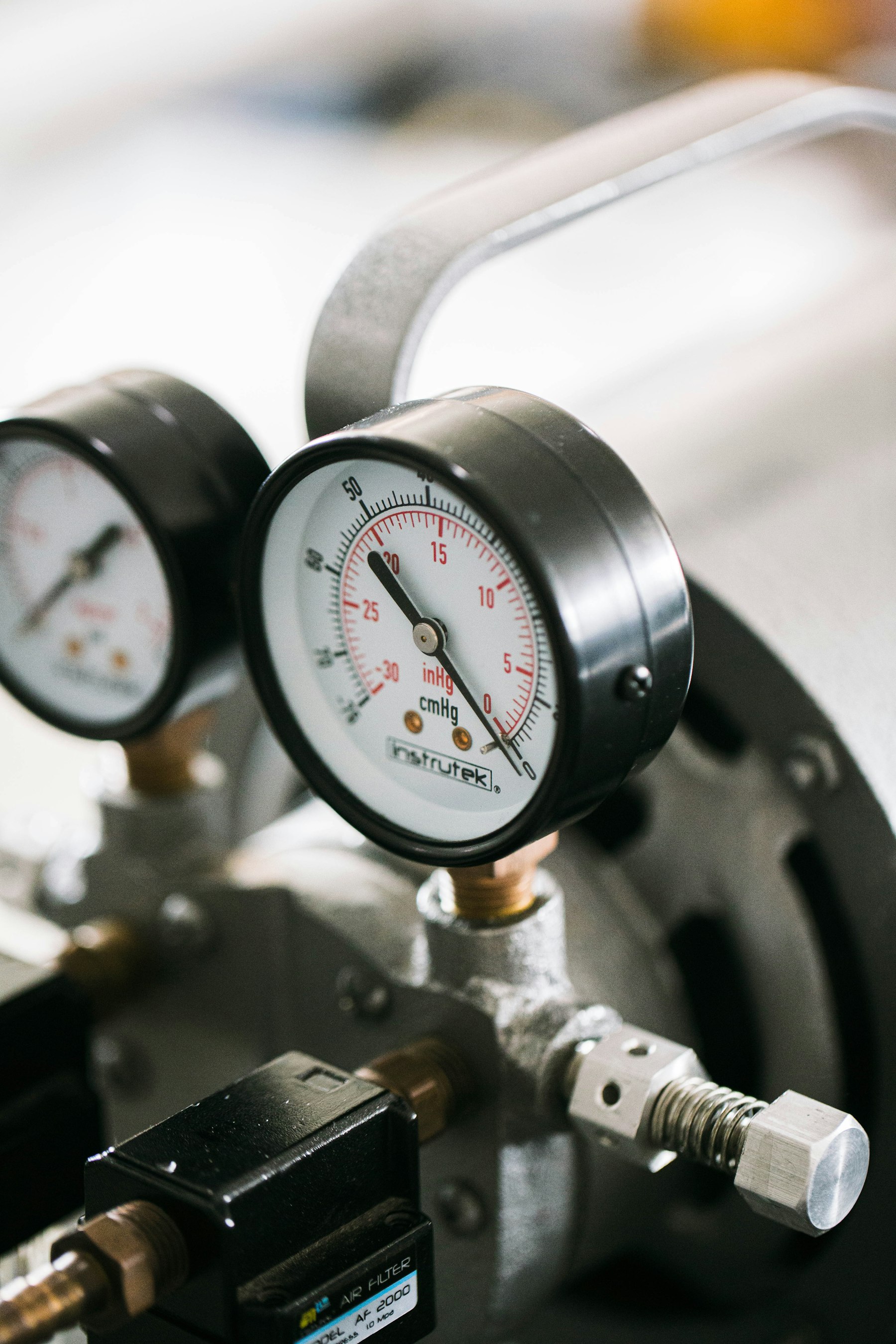
Rounds turn meter and gauge readings into data you can trust: taken on time, checked against limits, and kept as a history for every point.
- Follows the walking route. Points come up in the order the operator walks. No searching for the next asset.
- The last reading on screen. Each point shows the previous value, so a sudden jump is obvious on the spot.
- Hard limits. A value outside its alert range stops the operator until they add a photo or pick a reason. You set the thresholds; the stop can't be switched off.
- Skips need a reason. A gap in the data always comes with an explanation.
- Any unit. Temperature, pressure, vibration, current, flow and level, each with its own range and alerts.
- The same round, the same data. A round locks the version of each task when it's published, so every run collects the same fields.
Point 5 of 14
Combustion air pressure
- Last reading
- 44 mbar · 01 Nov 22:06
- Alert range
- 35 – 55 mbar
Point 6 of 14 · Outside alert range
Soak zone temperature, zone 3
⚠ Add a photo or choose a reason to continue.
| Point | Last | Now | State |
|---|---|---|---|
| 4 · Recuperator inlet temperature | 612 °C | 618 °C | In range |
| 5 · Combustion air pressure | 44 mbar | 46 mbar | In range |
| 6 · Soak zone temperature | 1,232 °C | 1,268 °C | Above alert |
Today
The day at a glance.
The web shows the day as it happens. Open, claimed, submitted, missed and waiting for verification, each one click from its details.
| Work | Assigned | Due | State |
|---|---|---|---|
| Reheat furnace round | Crew B | 06:00 | Submitted |
| Fire extinguisher check | HSE officer | 09:00 | Claimed |
| Ladle crane inspection | Crane operator | 11:00 | Open |
Get started
Start with one site. Add the next in a week.
Begin with a paid pilot on one site. We load your locations and assets, set up your first tasks and rounds, and train your crews. Adding the next site is setup, not a new project.
Next: Audit pack →